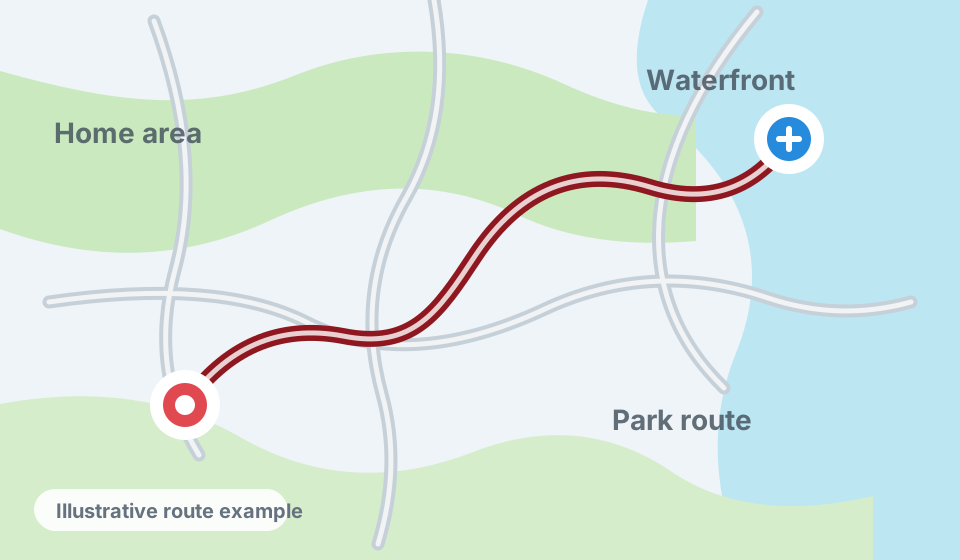
I walked from home through nearby areas in the afternoon, taking a little over 40 minutes.
 LifeStory
Join beta
LifeStory
Join beta

Private memory timeline for iPhone
Your life. Your history. Your data.
LifeStory turns the traces of everyday life into memories you can edit, trust, revisit, export, and use wherever they are valuable to you.
Available through Apple TestFlight. The current beta is focused on real-world reliability and quality.
I walked from home through nearby areas in the afternoon, taking a little over 40 minutes.
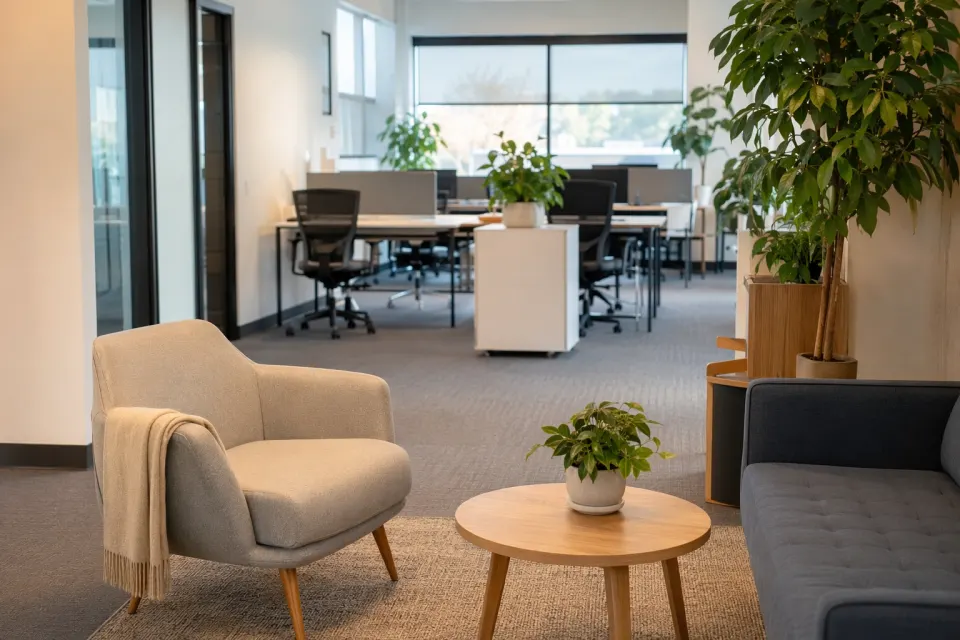
A quiet office moment became part of the day after the photo context was processed.
 Illustrative example
Why LifeStory exists
Photos, places, notes, health signals, movement, and calendar events document parts of a life, but they usually remain fragmented inside applications built for separate purposes. LifeStory brings those pieces together into an editable, continuous personal history.
LifeStory automatically prepares memory drafts from the context you enable. You remain the author: deciding what happened, adding what mattered, correcting mistakes, and choosing what should be preserved.
Start from evidence already captured during the day instead of reconstructing everything from a blank page.
LifeStory can propose wording and connections, but it does not silently decide what an experience meant to you.
Individual moments become days, longer histories, and personal context that grows more useful as it connects.
Your accumulated history is organized to serve you, not to create a behavioral profile for LifeStory or Prifina.
Current native beta
LifeStory separates captured data, on-device preparation, and automatic writing. Generated feed memories remain hidden until a completed write-up exists.
Photos and photo groups, places, routes, shared links and files, calendar context, weather, and available HealthKit data can become memory candidates after processing.
Write a note, record in your preferred language, or check in at a nearby place. Add photos and files, set reminders, or ask LifeStory to follow supported instructions.
Define people, pets, places, and personal terms. Owner-confirmed photo matches and familiar locations give future memories more natural personal context.
Correct memory wording, add owner context, organize with tags, archive irrelevant items, confirm calendar events, and attach a reminder without changing the underlying evidence.
Completed days become daily history, followed by closed week, month, quarter, and year views. Insights highlight patterns while Updates reports completed actions and reminders.
Create channel-aware share editions with text, photos, collages, or route maps. Copy completed History to your own iCloud Drive automatically or on demand, send the same structured records to your own endpoint, or import Apple Notes and Google Keep archives into the private Notes surface.
How it works
LifeStory checks only the sources and permissions the owner enables.
On-device software removes noise, groups related items, and matches private glossary context.
Only the context needed for writing is sent to the writing service. The completed draft returns to the device for review and editing.
Review, edit, comment, archive, add to History, or create a separate public-safe share edition.
Context that supports the story
Photos are visually assessed before writing. Routes and stays use filtered movement data. Calendar events remain plans unless confirmed or supported by other evidence. Weather adds setting, not invented mood.
From Feed to History
Feed is for current memory items. History begins after a period closes, so an unfinished day, week, month, quarter, or year is not presented as complete.
A connected account of the previous completed day, including relevant movement, notes, photos, health, and confirmed context.
A broader story that can connect repeated places, people, activities, and meaningful changes across completed days.
Month, quarter, and year views make longer patterns easier to revisit without losing uncertainty from their source memories.
Privacy and data handling
No LifeStory account is required. LifeStory is built as an owner-controlled personal application and does not create a Prifina cloud database containing your timeline.
Captured evidence, notes, glossary items, memories, History, and settings remain in the app on the device unless you explicitly export or share them.
When automatic writing is used, only the data needed for that specific draft is sent for processing. It is not retained for another purpose or model training and is deleted after processing.
Photos, location, Contacts, calendars, notifications, microphone, and HealthKit require iOS permission. You choose which sources LifeStory can use.
Because the working data is local, removing the app removes its app-local data. Optional copies exported to your iCloud Drive or another owner-selected destination remain yours until you delete them there.
Completed History can be copied manually or automatically to the owner's iCloud Drive as structured data. Advanced users can send the same records to a custom HTTPS endpoint for use with their own personal data or automation setup.
Prifina does not use LifeStory content to build advertising profiles, train models, sell data, or create value from a person's history for an unrelated purpose.
LifeStory is an application by Prifina. See Prifina's Privacy Policy and Terms of Use.
Help test LifeStory
LifeStory's core functionality is now in place. Join through TestFlight and help improve reliability, writing quality, background processing, battery behavior, and the clarity of the everyday experience.
FAQ
It includes notes and journaling, but its main difference is that it can begin with private captured context and propose a memory draft instead of always starting from a blank page.
No. Sharing is an explicit owner action. LifeStory creates a separate share edition so the original private memory remains unchanged.
The working timeline remains on the device, and no LifeStory account is required. If you enable export, completed History copies can be stored in your own iCloud Drive. LifeStory does not maintain a separate Prifina cloud database containing the owner's memories.
LifeStory combines captured context with deterministic on-device processing, then uses an AI language model to draft natural text. Only task-relevant context is sent for writing, the result returns to the device for review and editing, and processing data is not used for model training and is deleted after use.
Yes. These are separate iOS permissions. LifeStory can only use a source after the owner grants access, and permissions can be changed later in iOS Settings.
LifeStory can suggest recurring people, pets, places, and terms. The owner confirms or rejects suggestions. Confirmed private context can then help future memories use natural names.
No. Available HealthKit and weather signals are used as factual context only. LifeStory should not turn them into medical conclusions or unsupported emotional claims.
LifeStory's working data is app-local. Removing the app removes that local data. Separately exported files remain in their chosen destination until the owner deletes them there.
Yes. Completed History can be copied manually or automatically to your own iCloud Drive as structured data. Advanced users can also configure a custom HTTPS endpoint and connect those exports to their own personal data or automation environment.
Please report missing or duplicated memories, unnatural or inaccurate writing, unreliable background processing, excessive battery use, and anything confusing in normal daily use. The current beta is focused on quality and reliability rather than adding more features.
Use the TestFlight link on this page to install the beta. For product, privacy, or support questions, use the Prifina Contact page.